Stop Sounding Like You're Reading: Make Video Creation Feel Natural
SpeechCue helps you keep your pace, stay present, and record without sounding scripted.

Every creator knows the feeling: you write a good script, set up your camera, and then your delivery starts to feel stiff. Your eyes keep dropping to the screen, your voice sounds flatter than you want, and the moment stops feeling like a real conversation.
Traditional teleprompters ask you to keep up with them. SpeechCue is built to do the opposite.
Meet SpeechCue, the teleprompter that helps you speak naturally, keep your eyes up, and stay focused on the message instead of the screen.
Why Traditional Teleprompters Feel Hard
If you've used a standard teleprompter app, you know the drill: you guess a speed, hit play, and hope it matches your pace. If you pause for emphasis, the text can get ahead. If you want to add a quick thought, you may lose your place.
SpeechCue Follows You
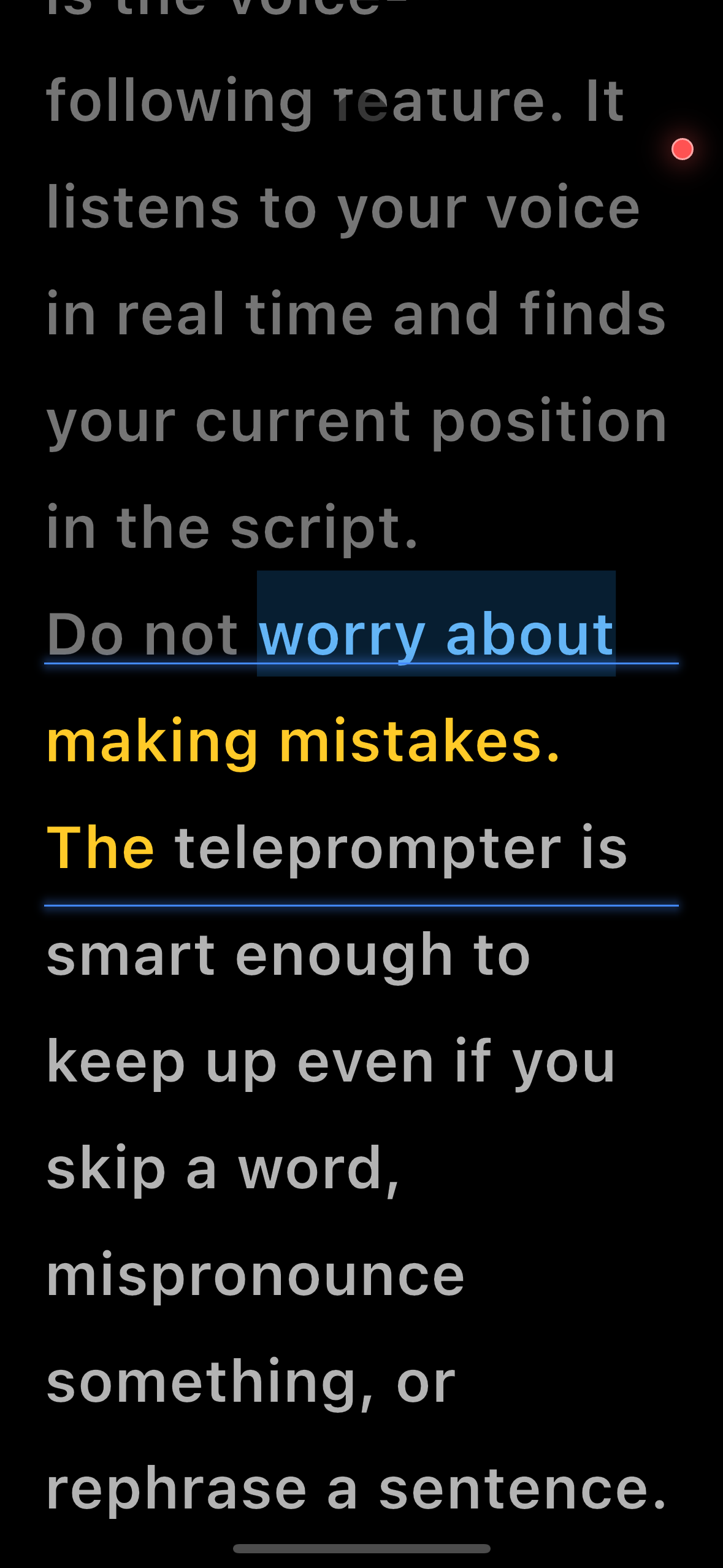
SpeechCue flips the script. It follows your voice so the text moves with you, not ahead of you.
- Want to pause for dramatic effect? The text pauses with you.
- Want to add a quick thought? SpeechCue helps you stay oriented and return to the right spot.
- Need to correct a line? Just keep speaking naturally.
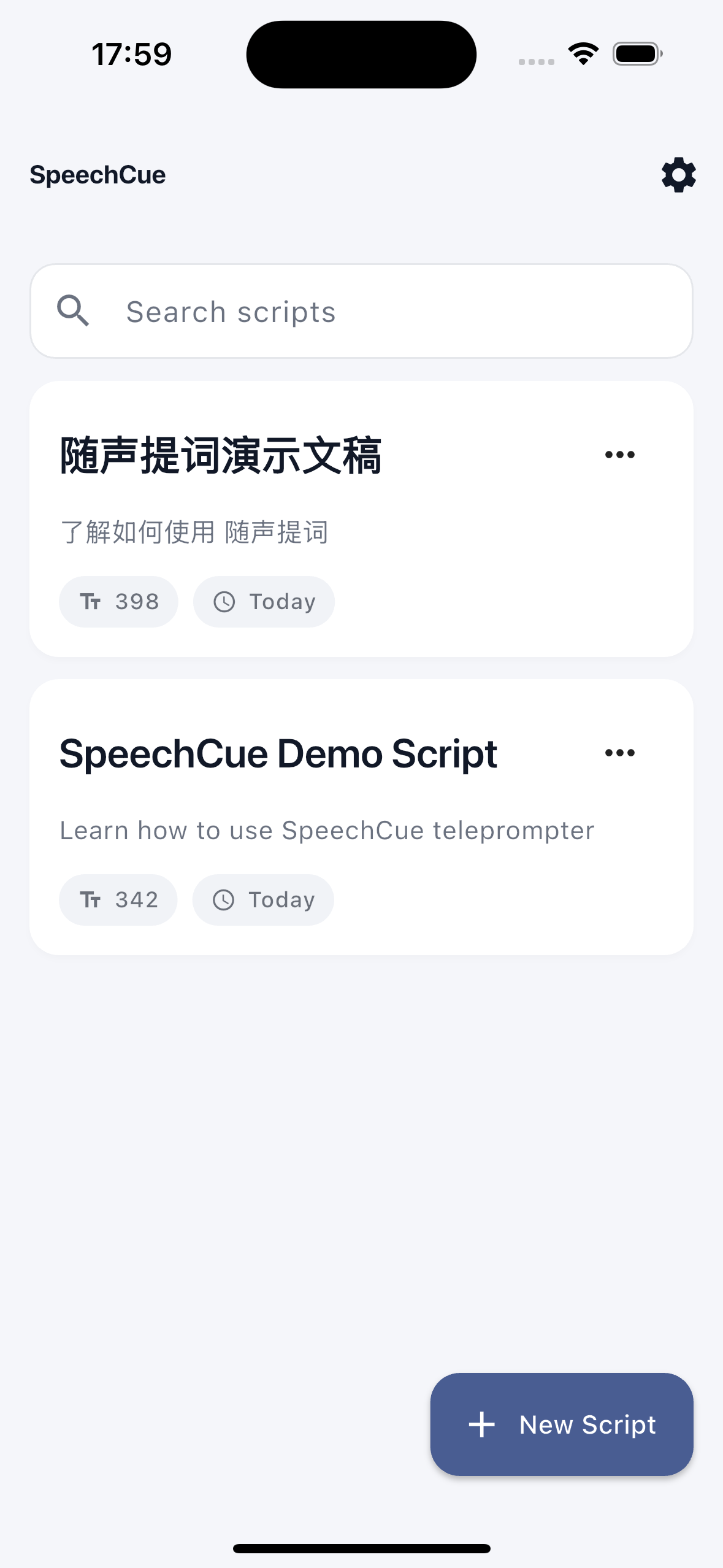
Built-in Recording: Keep It in One Flow
SpeechCue is not just a text scroller. It also helps you record without switching tools or breaking your momentum.
With the built-in video recorder, you can read your script and record yourself at the same time. The free version gives you 720p recording, and SpeechCue Pro unlocks up to 4K 60fps recording for a more polished final video.
On Android, SpeechCue also offers a Floating Window mode, so your script stays visible while you use your preferred camera app or meeting tool.
If your scripts mix Chinese, English, or Japanese, SpeechCue can automatically detect the script language and handle mixed-language passages to a practical degree. Its audio processing also helps reduce echo and background noise, so your take sounds cleaner and follows more smoothly.
Stop Chasing Text, Start Connecting
Your audience is there for your voice and personality, not your speed-reading. By removing the stress of keeping up with the text, SpeechCue helps you focus on delivery, expression, and connection.
Where to Download SpeechCue?
SpeechCue is available on major app storefronts:
Whether you are filming your first social video or making content every day, SpeechCue helps you sound more like yourself on camera.