Why Teleprompters Can Make You Look Stiff
Learn how to keep your delivery natural and your eyes where they belong.
In video creation, live streaming, or online presentations, a teleprompter should make things easier. But more often than not, it creates an awkward result: You say the words correctly, but your eyes drift, your tone sounds flat, and you stop sounding like yourself.
Audiences notice it right away: "They're reading, not speaking."
That feeling does more than hurt credibility. It creates distance between you and the people watching. Today, we are looking at why traditional teleprompters can make you look fake and how to fix it.
1. Why Does It Feel So Stiff?
The Eye-Movement Problem
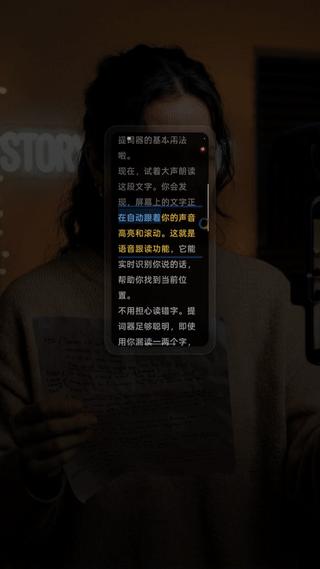
In natural conversation, your eyes move with the flow of speech. But when you stare at steadily scrolling text, your eyes start chasing the words instead of staying with the camera. The camera magnifies that movement. What feels small to you can look obvious to the audience.
Too Much Attention on the Text
This is the deeper problem. Traditional teleprompters make you follow the machine. When you spend all your attention on keeping up with the words, you have less room left for expression, pauses, and connection.
2. How to Make It Feel Natural
To achieve a natural feel, you need to do two simple things:
- Keep the prompt near the camera
- Let the machine adapt to the speaker’s pace
Some voice-follow products exist, but many still feel clumsy, depend too much on a network, or add too much friction between you and the camera.
3. SpeechCue: A Teleprompter That Keeps Up With You
We built SpeechCue to solve these frustrations. It is more than just a text display; it helps you stay in rhythm.
Follow the Way You Actually Speak
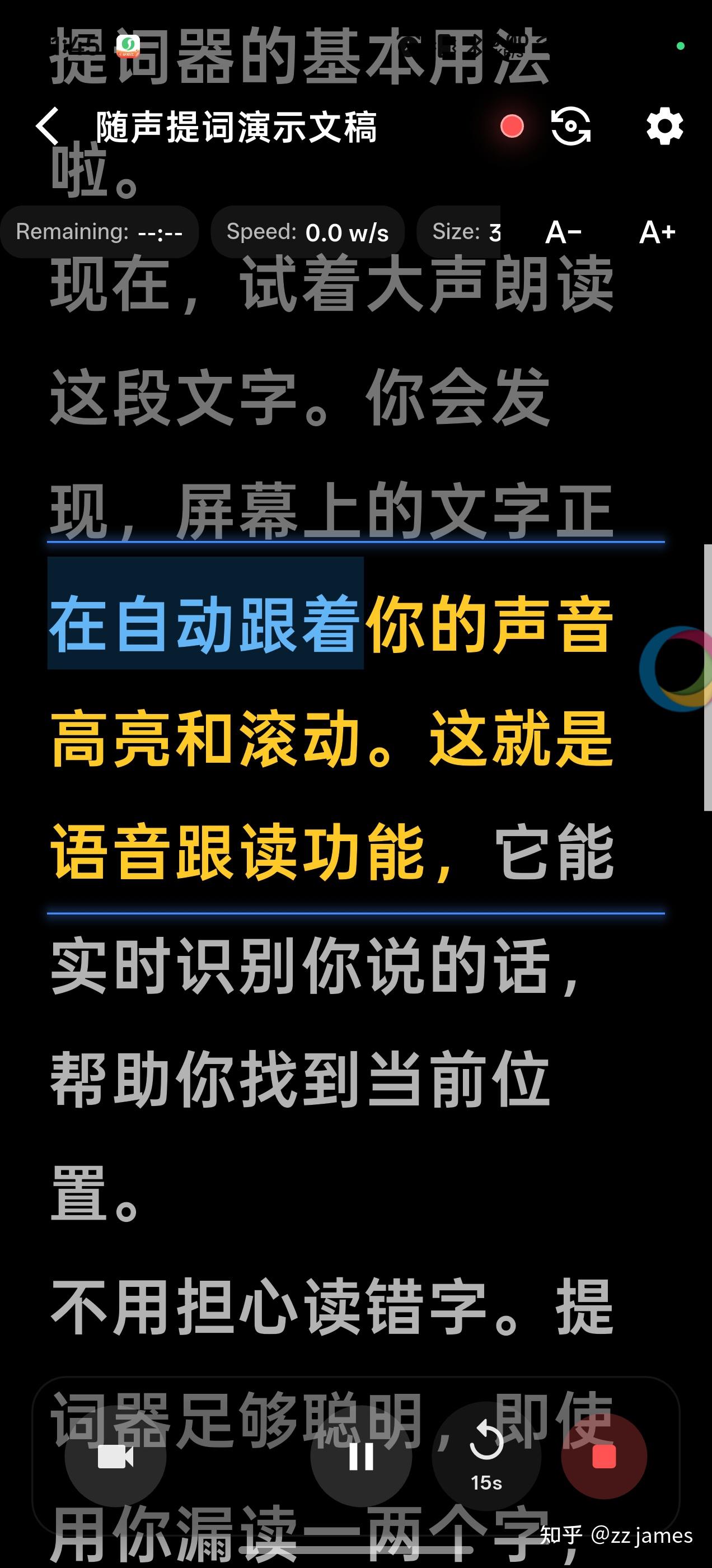
SpeechCue follows your pace instead of forcing you to follow a fixed scroll speed.
- You stop, it waits
- You speed up, it keeps pace
- You go off script, it helps you return
Privacy Comes First
Your scripts often contain sensitive ideas or unreleased plans. SpeechCue keeps that workflow local by default, so you can work with less worry.
Floating Window Keeps Your Eyes Up
With a flexible floating window mode, you can keep the prompt near your camera. Whether it is a meeting, a presentation, or a vlog, it helps your eye contact look more natural.
Conclusion
A teleprompter should not trap your expression. It should give you the confidence to speak naturally. When you stop chasing the words, the calmer version of you comes through on camera.
Where to Download SpeechCue?
SpeechCue is available on major app storefronts:
Whether you are filming your first social video or working on content every day, SpeechCue helps you sound more like yourself.